
What a Nueces County Court Docket Shows
A docket and a register of actions are the same idea. Both are a dated list of everything filed and ordered in a case. The Nueces County District Clerk calls it a register of actions and uses a case records search to display it. Each line marks one event. A new motion, a hearing setting, an order, or a notice each gets its own dated entry.
The docket is not the full file. It tells you what happened and when, but the document images themselves may be separate, gated, or paid. For Nueces County court dockets, the register is the index; the documents are what the index points to. Reading both together gives the full picture of a case.
Common terms help when you read a docket. A "setting" is a scheduled court date. A "continuance" pushes a date back. A "disposition" is the final result of the case or a charge.
How to Find Nueces County Court Dockets
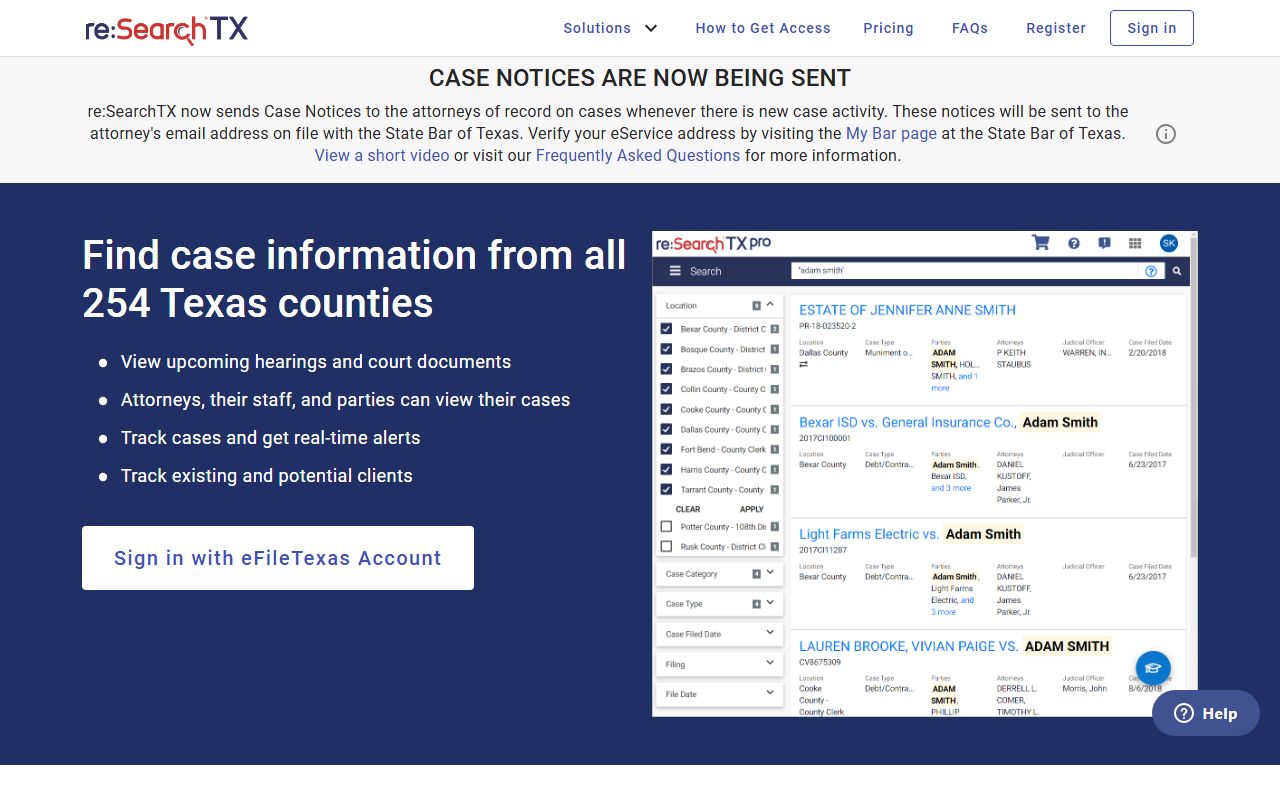
Start at the District Clerk records page and choose the Nueces County Case Records Search. That tool is built to show the register of actions for civil, family, and criminal cases. For the latest document images on civil and family cases, the District Clerk sends users to Re:SearchTX, where documents appear within minutes of filing.
- Open the District Clerk Records page and select the Case Records Search.
- Search by party name or case number.
- Open the case to view its register of actions.
- Read the dated entries for filings, settings, and orders.
- For document images, switch to Re:SearchTX and expect 10 cents per page.
The Re:SearchTX court records search screen is shown below, taken from the state Re:SearchTX search linked by the Nueces County District Clerk.
If a case predates modern e-filing, the District Clerk QuickLinks index books reach back to 1850 and can point you to the older file.
Docket vs Full Case Record
People often expect a docket to hand over every document. It does not. The docket is a map; the case record is the territory. The table compares the two so you know which one to pull for a Nueces County court records search.
| Feature | Court Docket | Full Case Record |
|---|---|---|
| What it is | Dated list of events | The filed documents themselves |
| Where to get it | Case Records Search register | Re:SearchTX or paper request |
| Cost | Free to read | 10 cents per page on Re:SearchTX |
| Best for | Status, hearings, timeline | Reading orders and pleadings in full |
Sample Nueces County Docket Entry Fields
Each line on a register of actions holds the same kinds of data. Knowing the columns helps you scan a long docket fast. A live sample varies by court and system, but the common fields are below.
| Field | What It Shows |
|---|---|
| Date | When the filing or event was entered |
| Event / Filing | The motion, order, notice, or setting |
| Filed By | The party or attorney who filed it |
| Hearing / Setting | A scheduled court date, time, and court |
| Order | A judge's signed directive on the matter |
| Disposition | The outcome of the case or a charge |
Which Nueces County Courts Publish Dockets
Docket access depends on the court. The eight district courts and five county courts at law route through the District Clerk case search and Re:SearchTX. The nine justice of the peace courts and the city municipal courts keep their own records, and their online access varies court by court.
Because no single portal covers every court, match the court on your paperwork to the right system. District and county court at law cases use the District Clerk tools. A JP or municipal citation points to that specific court. The Nueces County District Court page lists the numbered courts and their judges.
Paper and In-Person Docket Requests
When a record is old or not online, the District Clerk accepts paper requests. The county links an online request form for that purpose, and staff can pull the register and any available documents. Have the case number ready, since older files are indexed by book and page rather than by a modern case ID.
The District Clerk paper request form is shown below, from the county's online request system.
You can also visit the District Clerk in Room 313 of the courthouse during public hours, Monday through Thursday.
When Online Docket Data Is Delayed or Gated
Online dockets are convenient but not perfect. New filings can take time to post. Sealed cases will not appear. Some documents need a login or a fee even when the docket line is visible. A name search can also return the wrong person, so match a date of birth or case number before you rely on a result.
For federal cases, the county tools will not help at all. Free systems such as CourtListener index many federal dockets and opinions at no cost, which is useful when a Nueces County resident has a case in the Southern District of Texas.
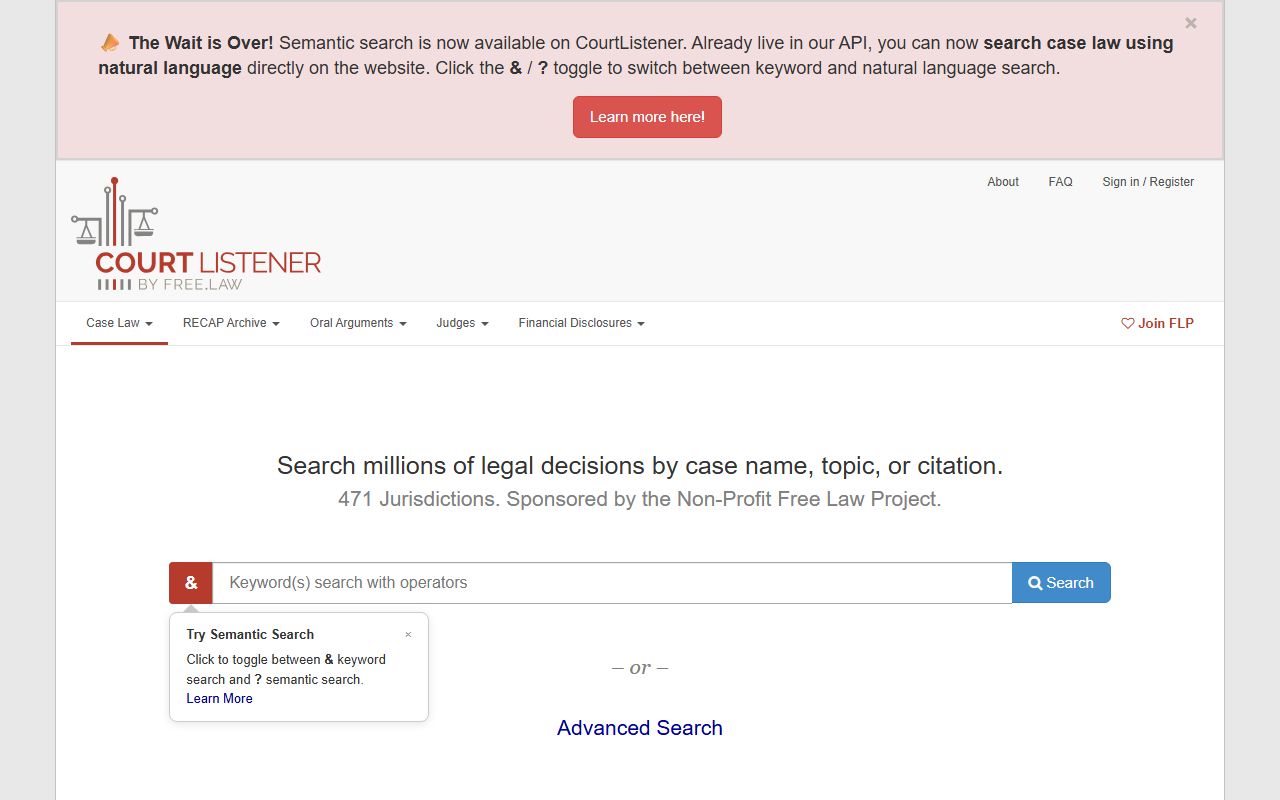
For paid, official federal dockets, PACER remains the source of record, as covered on the Nueces County court records page.
Hearings, Settings, and the Nueces County Calendar
A docket entry called a "setting" is a scheduled court date. Settings include arraignments, pretrial conferences, motions hearings, status checks, and trial dates. Civil and family cases add mediation and temporary orders hearings. The judge who hears the case shapes the calendar, and a continuance moves a setting to a new date.
Each numbered Nueces County court keeps its own calendar, run by the court coordinator and the staff attorney. Hearing dates and times appear on the register of actions once a setting is entered. If you do not see a setting, call the court or the District Clerk before the day passes. Missing a setting can trigger a capias in a criminal case or a default in a civil one.
Public hearings are open unless a judge has closed a part of the case. Family violence, juvenile, and sealed matters can be heard in private under Texas law.